Download your Southern Glazer's Wine & Spirits invoices from Proof, or photograph the signed copy the driver leaves, and get every wine, spirits and beer line back as a spreadsheet row with item number, description, size, cases, bottles, bottles per case, unit price and extended price. Built for bars, restaurants and hotel beverage programs that want pour cost every week, not a stack of PDFs.
Reads Proof invoice PDFs, emailed invoices, credit memos, scans and phone photos.
Compare the extracted fields and line items against your own document.
Upload your invoices
Drop files here or click to upload
Up to 50 files
Uploading...
The short answer
To convert Southern Glazer's invoices to Excel, download the invoices from the Proof customer platform (or photograph the paper delivery copy), upload them to InvoiceExtraction and export XLSX or CSV. Each line comes back with item number, description, bottle size, cases, loose bottles, bottles per case, unit price and extended price, plus a cost per bottle you can drop into a pour cost sheet. Plans start at $49 a month, or $24 a month billed yearly.
A line billed as two cases plus three loose bottles keeps cases, bottles and bottles per case in separate numeric columns, so on hand counts and cost per bottle come out right.
Southern Glazer's item numbers land in a text column with leading zeros intact, so they match your inventory sheet and order history line for line.
750ml, 1L and 1.75L bottles, kegs and cans get their own size column, so a liter of well vodka and a 750 of a call brand stay comparable.
Quantity discounts, deposits, delivery fees and credits sit on separate lines instead of hiding inside a unit price.
Invoice number, delivery date, account number and ship-to repeat on each line, so a month across several venues sorts by bar or by week.
Lines are summed against the invoice total, and anything that does not add up is flagged for a quick look instead of being guessed.
Open your invoices in Proof, Southern Glazer's customer platform, and save them as PDFs, or take a flat photo of the signed delivery copy.
Drop a week or a month in at once. Beer distributor, food and other wine and spirits invoices can go in the same batch.
Anything that does not reconcile is highlighted. On beverage invoices that is usually a split case, a discount line or a credit.
Download one Excel or CSV file with a row per product line, or send the bills to QuickBooks on the Plus plan.
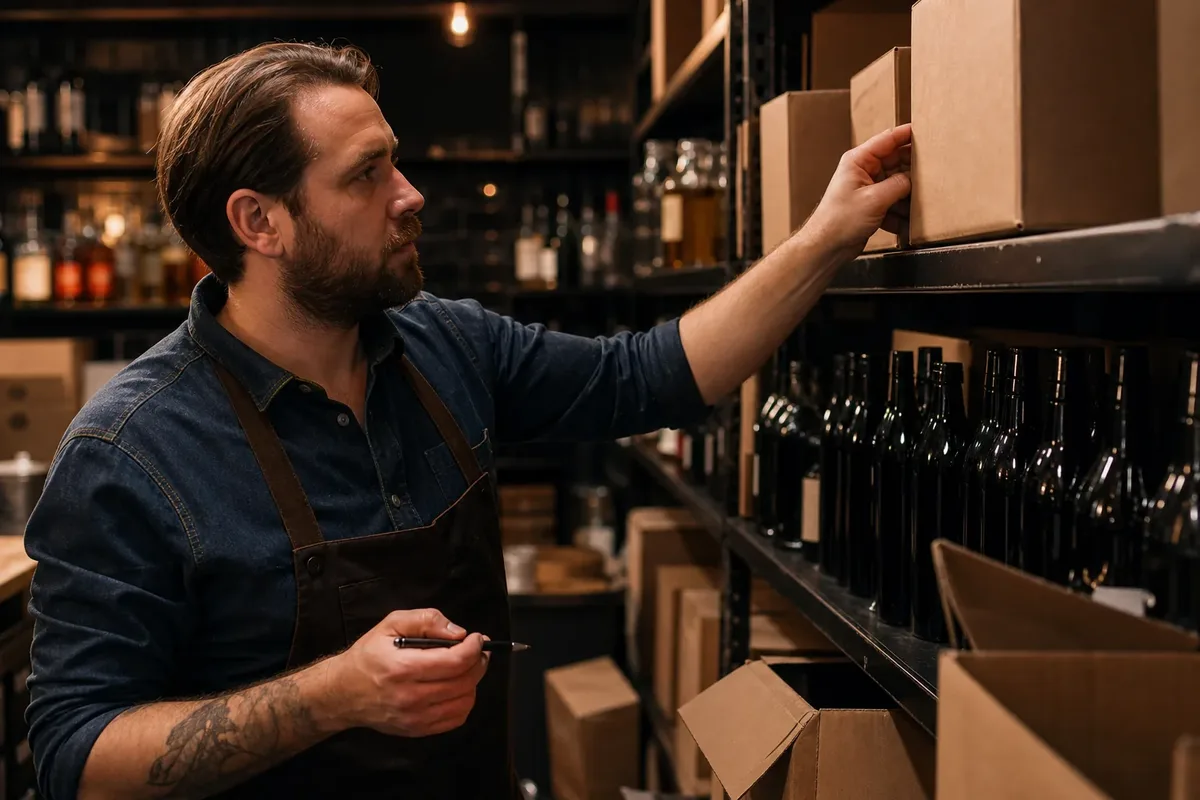
Liquor is usually the highest margin line on the menu and the easiest one to lose track of. When the invoice lines are in a spreadsheet the day the truck leaves, you see what a bottle of your well tequila or house cabernet actually cost after discounts, and you can reprice a cocktail or switch a brand before the month closes.
Most bars buy from more than one house: a wine and spirits distributor, a beer wholesaler and a food broadliner. Those invoices export into the same columns here, and food invoices from the restaurant invoice scanner land next to them, so beverage and food cost sit in one file.
Convert an invoice nowUpload the Southern Glazer's invoice PDF or a photo of the delivery copy and export XLSX or CSV. The extraction reads the header (invoice number, delivery date, account number and ship-to) and every product line, then checks the lines against the invoice total before you download. There is no template to build, and a month of invoices comes out as one file with one row per line.
A generic PDF to Excel tool copies the page layout instead. Cases, bottles and price merge into one cell, page headers repeat inside your data, and discount lines end up between two products. Here each line is a clean row with numbers stored as numbers, ready for a pivot table or a lookup against your cocktail specs.
Southern Glazer's customers manage orders in Proof, the company's ecommerce platform for bars, restaurants and retailers. Proof shows open orders, invoices, credits and delivery information in one place, with about 24 months of invoice history, and in select markets you can download PDFs of the signed delivery documents. You can also invite staff and control what each person can see.
Save the invoices you need as PDFs and upload them here. If you need an invoice that is not in Proof, your Southern Glazer's sales rep or the local credit office can email a copy, and that PDF converts the same way.
Beverage invoices are harder to read than food invoices because one line can mix units. Inventory software vendors that stage Southern Glazer's invoices warn about exactly this: the same invoice can list quantity as cases, as bottles and as bottles per case, and a staged line has to be checked so on hand counts and costs update correctly. Here those numbers land in separate columns and a cost per bottle is calculated from them.
| Invoice line as printed | Cases | Bottles | Bottles per case | Cost per bottle |
|---|---|---|---|---|
| Vodka 1L, 2 cs, unit $180.00 per case | 2 | 0 | 12 | $15.00 |
| Cabernet 750ml, 0 cs 6 btl, unit $14.50 per bottle | 0 | 6 | 12 | $14.50 |
| Tequila 750ml, 1 cs 3 btl, $240.00 per case | 1 | 3 | 12 | $20.00 |
| Quantity discount, tequila | n/a | n/a | n/a | Own row, negative amount |
The invoice total tells you what to pay. The lines tell you where the pour cost went.
Southern Glazer's Wine & Spirits is the largest wine and spirits distributor in the US, but most bars also buy from a beer wholesaler and often a second wine and spirits house such as Breakthru Beverage, Republic National Distributing Company (RNDC) or Johnson Brothers, depending on the state. Every invoice is read without a template and exported into the same columns.
| Southern Glazer's | Other wine and spirits houses | Beer wholesalers | Food broadliners | |
|---|---|---|---|---|
| Where you get the file | Proof PDF, signed delivery PDF or paper copy | Customer portal PDF or emailed copy | Portal PDF or driver handheld printout | Sysco Shop, MOXe and other portals |
| Units on a line | Cases, bottles, bottles per case | Cases and bottles | Cases, kegs, cans | Cases, pounds, each |
| Columns you get here | Item, description, size, cases, bottles, BPC, unit price, extended price | Same columns | Same columns | Same columns plus catch weight |
| Dedicated guide | This page | This page works the same way | Ben E. Keith invoices (food and beer in Texas) | Sysco invoice to Excel |
Yes. Export a CSV shaped for a QuickBooks bill import, or use the QuickBooks export on the Plus plan, with vendor, invoice number, date, due date and line amounts filled in and the original PDF kept on file. Map liquor, wine and beer to their own expense or inventory accounts once and every delivery posts the same way. The QuickBooks AP automation page covers bills and approvals in more detail.
Bar owners and beverage managers at cocktail bars, wine bars, sports bars and nightclubs who want pour cost every week. Restaurant groups and hotel food and beverage teams that need purchasing by outlet. Liquor store owners who want a clean purchase history by item. And bookkeepers who receive a folder of distributor PDFs from hospitality clients every month. If you are being quoted a per-location bar inventory suite only to capture these lines, read our BevSpot pricing breakdown first.
Pricing is by pages processed, not by location or supplier. Starter is $49 a month ($24 a month billed yearly) for up to 500 pages on the most accurate model or 2,500 on the faster one, which covers several bars. Plus is $149 a month ($74 billed yearly) and adds bulk upload of 50 files at a time, custom extraction templates, category normalization, QuickBooks export and three seats. See the pricing page for higher volumes.
Save the invoice from Proof as a PDF, or photograph the paper copy, upload it here and export XLSX or CSV. Each line becomes a row with item number, description, size, cases, bottles, bottles per case, unit price and extended price, and the invoice number and date repeat on every row.
In Proof, Southern Glazer's customer ecommerce platform, which shows open orders, invoices, credits and deliveries with about 24 months of invoice history. Your sales rep or local credit office can email copies of invoices you cannot find there.
Proof lets customers pay invoices online by ACH bank transfer or credit card where state law permits. Converting the invoice to Excel or QuickBooks does not change how you pay; it gives you the line data for pour cost and bookkeeping.
Yes. Cases, loose bottles and bottles per case go into separate numeric columns, and a cost per bottle is calculated from them, so mixed lines do not inflate your inventory or your cost.
Yes. Invoices are read without templates and exported into the same columns, so wine, spirits, beer and food purchases sit in one sheet for cost of goods and bid comparison.
No. Your invoices are processed to produce your export and are not shared with other customers or with the distributors whose documents you upload.
Restaurant invoice scanner that turns Sysco, US Foods and every supplier invoice into Excel, CSV or QuickBooks lines with item, pack, weight and price.
Convert Ben E. Keith invoices from Entree to Excel or CSV line by line. Item number, pack, catch weight and extended price for food cost and QuickBooks.
Convert Sysco invoices to Excel line by line: item code, pack size, quantity, unit price and extended price from Sysco, US Foods and GFS PDFs, ready for food cost.
Convert US Foods invoices to Excel or CSV line by line. Product number, pack size, quantity, price and credits from MOXe PDFs and delivery copies, for food cost.
Convert Restaurant Depot receipts and invoices to Excel or CSV line by line. Item code, description, quantity, price and tax from downloaded receipts and photos.
Convert Cheney Brothers invoices from Cheney Central to Excel or CSV line by line. Item number, pack, catch weight and price for food cost and QuickBooks.
How AP automation works with QuickBooks Online and Desktop: how bills enter the file, how vendors are matched, how expense coding and class tracking are applied, and where QuickBooks stops being enough.
Upload a few of your least tidy supplier invoices and compare the extracted fields against the documents. That tells you more than any feature list.
