Save your Breakthru Beverage invoices from Breakthru Now, forward the emailed copies, or photograph the delivery ticket, and every wine, spirits and beer line comes back as a spreadsheet row with item number, description, size, cases, bottles, unit price and extended price. You get pour cost and wine cost each week without retyping a single line or paying for a per-location bar inventory suite.
Reads Breakthru Now PDFs, emailed invoices, credit memos, scans and phone photos of delivery copies.
Compare the extracted fields and line items against your own document.
Upload your invoices
Drop files here or click to upload
Up to 50 files
Uploading...
The short answer
To convert a Breakthru Beverage invoice to Excel, download it from Breakthru Now (the distributor's ordering and invoice site) or use the emailed PDF or a photo of the paper copy, upload it to InvoiceExtraction and export XLSX or CSV. Each product line becomes one row with item number, description, bottle size, cases, loose bottles, unit price and extended price, checked against the invoice total. Plans start at $49 a month, or $24 a month billed yearly, with no per-location fee.
Vintage, varietal and bottle size stay readable in the description column, so a by-the-glass list and a bottle list can be costed from the same sheet.
Cases and loose bottles land in separate numeric columns, so a line of one case plus four bottles does not turn into five cases in your inventory.
Breakthru item codes keep leading zeros, so a VLOOKUP against your bar inventory or last month's order history matches line for line.
Quantity discounts, deposits, delivery charges and credit memos sit on their own rows instead of hiding inside a unit price.
Invoice number, date, account number and ship-to repeat on each line, so a hotel with three outlets or a group with five bars can pivot by venue.
Line amounts are added up against the invoice total before export, and anything that does not match is flagged for you rather than guessed.
Download them from Breakthru Now, save the emailed PDFs, or take a flat photo of the delivery copy the driver leaves.
Breakthru, Southern Glazer's, beer wholesaler and food invoices can all go in the same batch.
On wine and spirits invoices that is usually a split case, a discount or a credit memo.
One file with a row per line for pour cost, or bills sent to QuickBooks on the Plus plan.
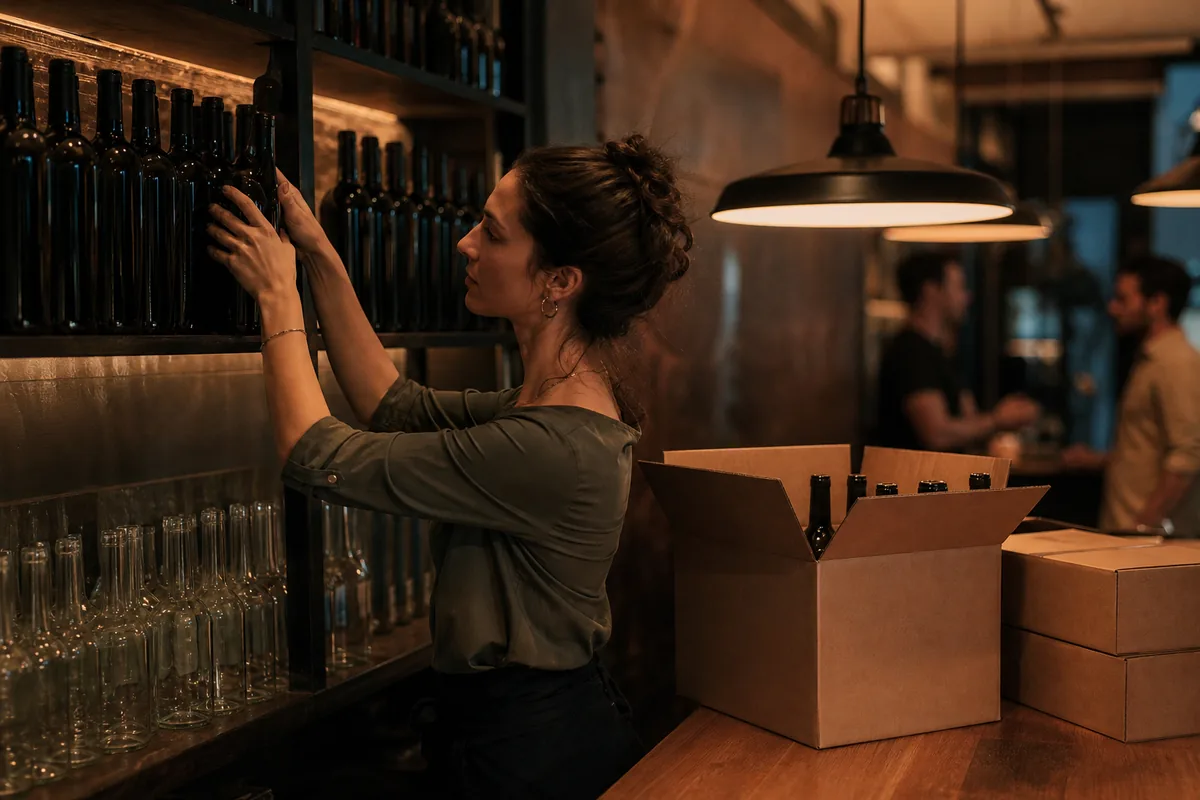
Wine and spirits move in price more often than most food items, and a rep's case deal only helps if it actually shows up on the invoice. When each Breakthru invoice is a set of spreadsheet rows, you can see the real cost per bottle of your house pinot or well bourbon this week and fix a menu price before the month is gone.
If you also buy from Southern Glazer's, the Southern Glazer's invoice to Excel converter exports into the same columns, and food invoices from the restaurant invoice scanner line up next to them, so bar and kitchen cost sit in one workbook.
Convert a Breakthru invoiceUpload the Breakthru Beverage invoice as a PDF or photo and download XLSX or CSV. The header (invoice number, invoice date, account number, ship-to and due date) is read once and repeated on every row, and every product line is split into item number, description, size, cases, bottles, unit price and extended price. The lines are totaled against the invoice before you export, so you are not checking the math yourself.
Copying the PDF into Excel or running it through a generic PDF converter usually gives you merged cells, page headers in the middle of your data and discount lines stuck between two wines. That is fine for one invoice and painful for forty a month.
Breakthru Beverage points customers to Breakthru Now, its own B2B ordering site, to order online, manage invoices, apply for credit and reach their sales rep. Invoices for your account are there, and many accounts also receive invoices by email. If you order through Provi, Breakthru's ordering partner, the order still turns into a Breakthru invoice that you can download or get from your rep.
For older invoices that are not online, ask your Breakthru sales rep or the local credit department for PDF copies. Any of those files, a scan, or a phone photo of the signed copy converts the same way here.
Here is how a few typical wine and spirits lines come out. The exact wording on your invoice varies by state, but the columns stay the same, which is what makes week over week price comparison work.
| Line on the invoice | Size | Cases | Bottles | Unit price | Cost per bottle |
|---|---|---|---|---|---|
| Pinot Noir, 1 cs | 750ml | 1 | 0 | $168.00 per case | $14.00 |
| Bourbon, 2 cs | 1L | 2 | 0 | $270.00 per case | $22.50 |
| Sparkling wine, 4 btl | 750ml | 0 | 4 | $11.25 per bottle | $11.25 |
| Case discount, bourbon | n/a | n/a | n/a | Negative line | Kept on its own row |
Republic National Distributing Company filed for Chapter 11 in July 2026 and has been selling or winding down markets, and Breakthru took over RNDC business in some states, including California in 2025 and the Kentucky and Indiana joint ventures it agreed to buy in 2026. Many bars now have RNDC invoices for the first half of the year and Breakthru invoices after that, with different layouts and item numbers.
Both layouts are read without templates and exported into identical columns, so you can stack a full year of wine and spirits purchasing in one sheet, map the old RNDC item to the new Breakthru item once, and still compare what you paid per bottle before and after the switch.
The total tells accounts payable what to pay. The lines tell the beverage manager what happened to cost.
Yes. Export a CSV shaped for a QuickBooks bill import, or use the direct QuickBooks export on the Plus plan, with vendor, invoice number, date, due date and line amounts filled in and the PDF attached. Map liquor, wine and beer to their own accounts once and every delivery posts the same way. See QuickBooks AP automation for approvals and payment workflow.
You pay by pages processed, not per location or per distributor. Starter is $49 a month ($24 a month billed yearly) for up to 500 pages on the most accurate model or 2,500 on the faster one, which covers several busy bars. Plus is $149 a month ($74 billed yearly) and adds bulk upload of 50 files at a time, custom extraction templates, category normalization, QuickBooks export and three seats. Bar inventory suites that include invoice capture are usually priced per location per month; our BevSpot pricing breakdown shows the math. Full plan details are on the pricing page.
Download the invoice from Breakthru Now or save the emailed PDF, upload it here and export XLSX or CSV. Every product line becomes a row with item number, description, size, cases, bottles, unit price and extended price, and the invoice number and date repeat on every row.
Breakthru Now is Breakthru Beverage's own B2B ordering site, where customers order online, manage invoices, apply for credit and contact their sales rep. Invoices saved from it convert directly here.
Yes. Orders placed through Provi are still invoiced by Breakthru, so the invoice PDF or a photo of the delivery copy converts the same way as any other Breakthru invoice.
Yes. Cases and bottles go into separate numeric columns and a cost per bottle is calculated, so mixed lines do not inflate inventory counts or cost.
Yes. Invoices from any distributor are read without templates and exported into the same columns, so a full year of wine, spirits and beer purchases can sit in one sheet even after a distributor change.
No. Your invoices are processed only to produce your export and are never shared with other customers or with the distributors whose documents you upload.
Convert Southern Glazer's invoices from Proof to Excel or CSV line by line. Item, cases, bottles, bottles per case and cost per bottle for bars and restaurants.
Restaurant invoice scanner that turns Sysco, US Foods and every supplier invoice into Excel, CSV or QuickBooks lines with item, pack, weight and price.
Convert Ben E. Keith invoices from Entree to Excel or CSV line by line. Item number, pack, catch weight and extended price for food cost and QuickBooks.
Convert Sysco invoices to Excel line by line: item code, pack size, quantity, unit price and extended price from Sysco, US Foods and GFS PDFs, ready for food cost.
Convert Restaurant Depot receipts and invoices to Excel or CSV line by line. Item code, description, quantity, price and tax from downloaded receipts and photos.
Convert PDF invoices to Excel or CSV with every line item in its own row. Batch upload PDFs, scans and photos, keep invoice numbers intact, export to QuickBooks.
How AP automation works with QuickBooks Online and Desktop: how bills enter the file, how vendors are matched, how expense coding and class tracking are applied, and where QuickBooks stops being enough.
Upload a few of your least tidy supplier invoices and compare the extracted fields against the documents. That tells you more than any feature list.
