Your POS knows what scanned at the register, but the unit cost behind every UPC still comes off a supplier invoice that someone has to type. Upload the week of distributor, direct store delivery and produce invoices and each line comes back as a row with UPC, case pack, case cost, allowance, unit cost and extended price, ready for the POS cost import or your pricing sheet.
Reads distributor PDFs, DSD route tickets, produce invoices, credit memos and phone photos with no EDI and no per-store fee.
Compare the extracted fields and line items against your own document.
Upload your invoices
Drop files here or click to upload
3 demo documents, no account needed
Uploading...
The short answer
A grocery store inventory management system tracks what sells, but its margin and reorder reports are only right when unit cost is current. InvoiceExtraction reads supplier invoices from distributors, DSD vendors and produce houses, splits each line into UPC, item code, case pack, quantity, case cost, off invoice allowance, deposit and unit cost, and exports Excel or CSV for the POS cost import or QuickBooks bills. Plans start at $49 a month, or $24 a month billed yearly, for every store combined.
The UPC and the supplier item code come out in separate columns, so matching an invoice line to the POS item is a lookup, not a hunt through the shelf tags.
A pack like 12/18 oz is split into units per case and size, so unit cost is the case cost divided by the pack and the POS cost field stays true.
Off invoice allowances, deals and promo credits come out on their own rows, so you decide whether they lower everyday cost or only this order.
Cases billed by the pound keep case count, billed weight and price per pound apart, so retail per pound is set from the real figure.
Bottle deposits, fuel charges and delivery fees are not folded into the product cost, which keeps beverage margins honest in deposit states.
One file for the POS import or your margin sheet, or bills in QuickBooks on the Plus plan with vendor, dates and line amounts filled in.
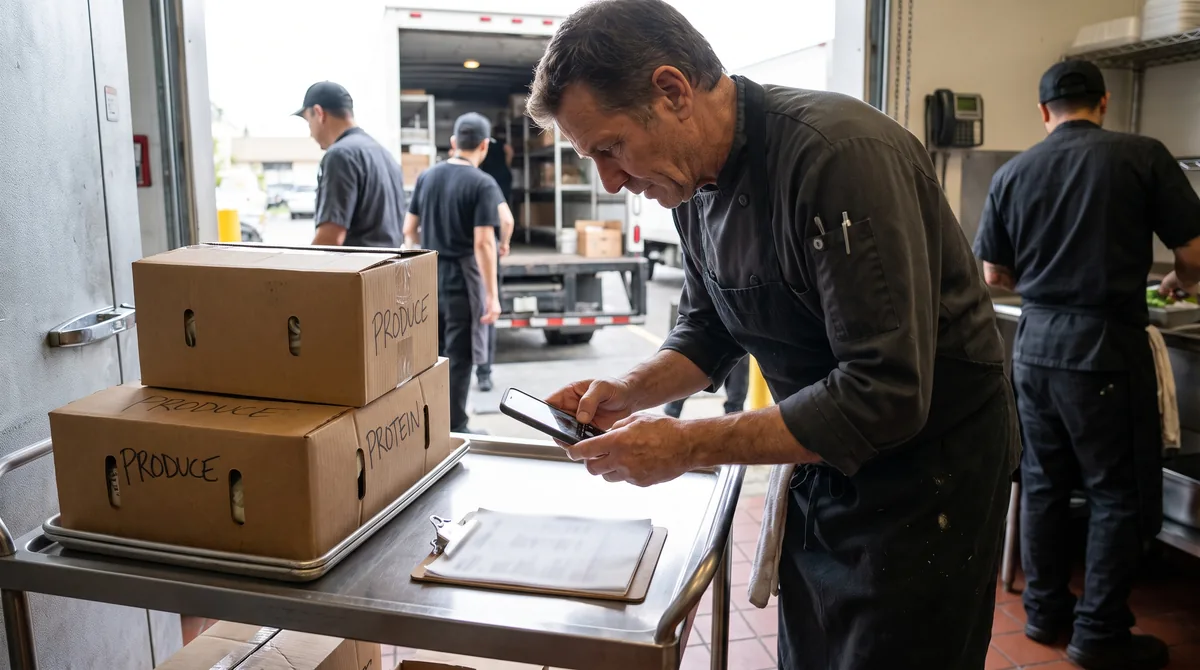
Download distributor PDFs, save the emailed invoices and photograph the DSD tickets the bread, chip and soda drivers leave at receiving.
Distributor, DSD and produce invoices go in one batch. Each one is read on its own, with no template per vendor.
Lines are summed against each invoice total. A smudged ticket or a line that does not tie is highlighted before export.
Download XLSX or CSV, match UPCs to your item file and import the new unit cost, then reprice the items whose margin slipped.
Distributors move case costs every few weeks and DSD vendors change prices on the route ticket without a letter. When the POS keeps last quarter's cost, the gross margin report still looks fine while a fast moving item sells at a few points less than you think.
Converting each invoice the day it arrives keeps the cost column current. Increases show up the week they hit, so you reprice before the next order instead of finding the gap at inventory time.
Convert a grocery invoiceFive things per line: the UPC or item code, units per case, case cost after allowances, quantity received and any deposit. Unit cost, gross margin, reorder points and shrink all depend on them. A POS that counts sales but does not read invoices leaves you typing those five numbers for every item on every delivery, and in a store with thousands of active UPCs that is where costs go stale first.
Reading the invoice puts them in columns, checked against the invoice total, so a cost update becomes a file import instead of an afternoon at the office computer.
A single week usually mixes a distributor order, a DSD beverage drop and a case of meat billed by weight, plus an allowance and a credit. These rows show how they come out, with unit cost from the case cost and the retail price that keeps a target margin (retail equals unit cost divided by one minus the margin). Round to your own price endings after that.
| Line on the invoice | Pack | Qty | Case cost | Unit cost | Target margin | Retail at margin |
|---|---|---|---|---|---|---|
| Organic rolled oats | 12/18 oz | 2 | $43.20 | $3.60 | 30% | $5.14 |
| Off invoice allowance, oats | 12 | 2 | -$4.80 | -$0.40 | none | Oats cost becomes $3.20, retail $4.57 |
| Almond milk | 6/64 oz | 3 | $19.74 | $3.29 | 28% | $4.57 |
| Sparkling water, DSD | 24/12 oz | 4 | $13.92 | $0.58 | 35% | $0.89 |
| Bottle deposit, sparkling water | 24 | 4 | $1.20 | $0.05 | none | Charged at register, not in cost |
| Ground beef 80/20, catch weight | 10.4 lb | 1 | $50.44 | $4.85 per lb | 30% | $6.93 per lb |
| Credit, damaged almond milk | 1 | -1 | $3.29 | -$3.29 | none | Credit row |
Both, for different jobs. A grocery POS runs the lanes, scales, EBT and the item file. Invoice reading fills the cost side that most grocery POS systems still expect you to key in by hand, at $49 a month for all stores combined. If your POS works, keep it and feed it better costs.
Stores that also run a deli counter or prepared foods have the same gap on the kitchen side, which the recipe costing page covers with a batch cost example. Beer, wine and spirits sections follow the same logic as the liquor store inventory invoice entry page.
The UNFI invoice converter, the KeHE invoice to Excel page and the Core-Mark converter export into the same columns as this page, so the main warehouse order, the specialty order and the convenience items land in one sheet. DSD route tickets from bread, snack, dairy and beverage vendors are read the same way, without a template per driver.
Receiving records matter for more than margin. The FDA Food Traceability Rule asks retailers receiving foods on its list to keep key data with a reference document such as the invoice, so a searchable file of every line is useful well past the cost update.
Owners and buyers at independent grocery stores, natural food stores, co-ops, ethnic markets and small chains with two to ten stores, plus the bookkeepers who close their month.
Yes. Export a CSV in the shape QuickBooks expects, or use the QuickBooks export on the Plus plan, which creates bills with vendor, invoice number, invoice date, due date and line amounts, with the invoice image attached. Most bookkeepers split grocery bills across dry grocery, dairy, frozen, produce and meat cost of goods accounts. The QuickBooks AP automation page shows the bill workflow, and the bulk invoice processing page covers a full month at once.
You pay for pages processed, not per invoice, supplier or store. Starter is $49 a month ($24 a month billed yearly) for up to 500 pages on the most accurate model or 2,500 on the faster one. Plus is $149 a month ($74 billed yearly) and adds bulk upload of 50 files at a time, custom extraction templates, category normalization, QuickBooks export and three seats. A distributor invoice that runs to a dozen pages counts as a dozen pages, so a busy store with a big weekly warehouse order usually fits Plus. See pricing for every plan.
For the lanes, scales and item file, a grocery POS built for independents is the base. Most still expect you to type unit costs from invoices. InvoiceExtraction fills that gap by turning supplier invoices into rows with UPC, case pack and unit cost, at $49 a month for all stores, next to the POS you already use.
Upload the invoice PDFs or photos and export XLSX or CSV. Each line has UPC, item code, pack, quantity, case cost and extended price, so you can match UPCs to your item file and import the new unit cost instead of keying it.
Yes. Tickets from bread, snack, dairy and beverage drivers are read from a phone photo or scan like any other invoice, and lines that do not add up to the ticket total are flagged for a quick check.
Allowance and deal lines come out as their own negative rows next to the items they belong to. You can apply them to the order only, or fold them into unit cost if the deal is ongoing.
Plans start at $49 a month, or $24 a month billed yearly, for up to 500 pages on the most accurate model. Pricing is by pages across all suppliers and stores, with no per-store fee.
No. Your invoices are processed only to create your export and are never shared with other customers or with the suppliers whose documents you upload.
Convert UNFI invoices to Excel, CSV or QuickBooks. Every grocery, produce and wellness line on its own row with pack, unit cost, deal and credits for natural food stores.
Convert KeHE Distributors invoices to Excel, CSV or QuickBooks. Every grocery line on its own row with UPC, pack, cost, deals and credits for natural food stores.
Convert Core-Mark invoices to Excel, CSV or QuickBooks. Every cigarette, candy, drink and grocery line on its own row with pack, unit cost, tax and credits for c-stores.
Feed your liquor store inventory software current costs. Turn distributor invoices into Excel or CSV rows with case price, bottle cost, discounts and shelf price at your margin.
Convert Costco Business Center receipts and Business Delivery invoices to Excel or CSV. Item number, description, price, tax and savings on separate rows.
Restaurant invoice scanner that turns Sysco, US Foods and every supplier invoice into Excel, CSV or QuickBooks lines with item, pack, weight and price.
How AP automation works with QuickBooks Online and Desktop: how bills enter the file, how vendors are matched, how expense coding and class tracking are applied, and where QuickBooks stops being enough.
Bulk invoice processing for high volumes: uploading hundreds of documents at once, queue behavior, parallelism, partial failure handling, splitting multi-invoice PDFs and surviving month-end spikes.
Upload a few of your least tidy supplier invoices and compare the extracted fields against the documents. That tells you more than any feature list.
